Stop paying for subscriptions you forgot about.

See everything you pay for in one place, get a heads-up before every renewal and free trial, and cancel in one tap.

Takes about 30 seconds
You spend

$96.39 /mo

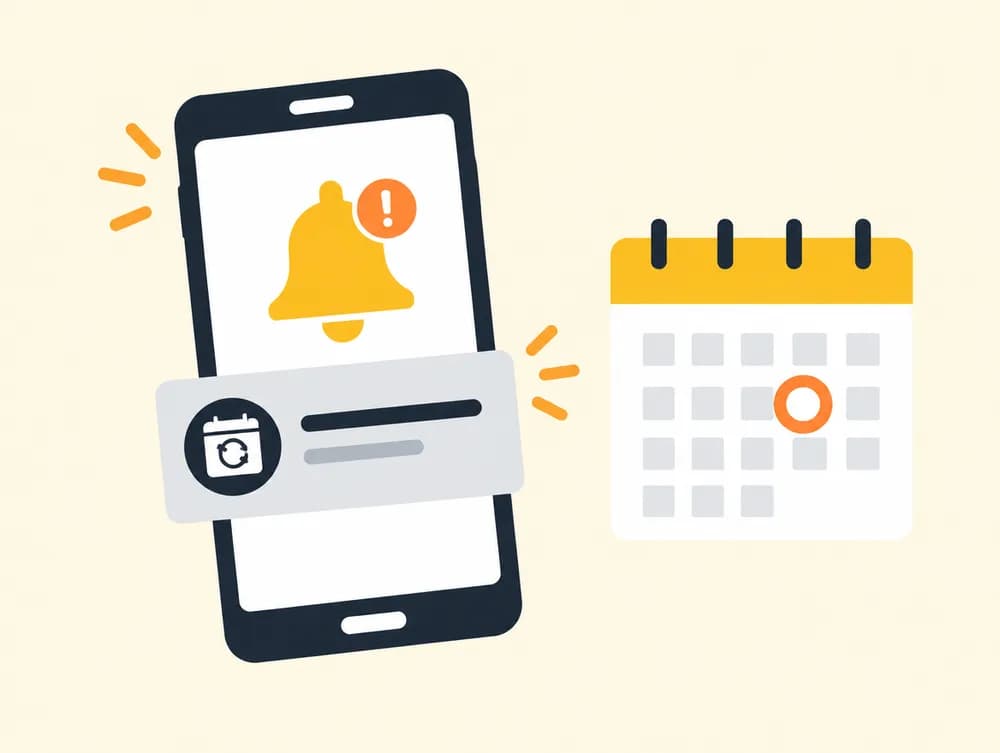
⏰ Peacock trial ends tomorrow

Track anything you pay for

  • Netflix
  • Spotify
  • ChatGPT
  • Disney+
  • YouTube
  • Xbox
  • Amazon Prime
  • Adobe
  • iCloud+
  • Hulu
  • PlayStation
  • Max
  • Claude
  • Duolingo
  • Canva
  • DoorDash
  • Peacock
  • Audible
  • Discord
  • Dropbox

Get started

Add everything in seconds

Three ways to add subscriptions. Pick whichever is easiest.

Tap the apps you pay for

Pick from popular services like Netflix, Spotify and Xbox. Prices are already filled in, so it's two taps each.

Try it →

Upload one screenshot

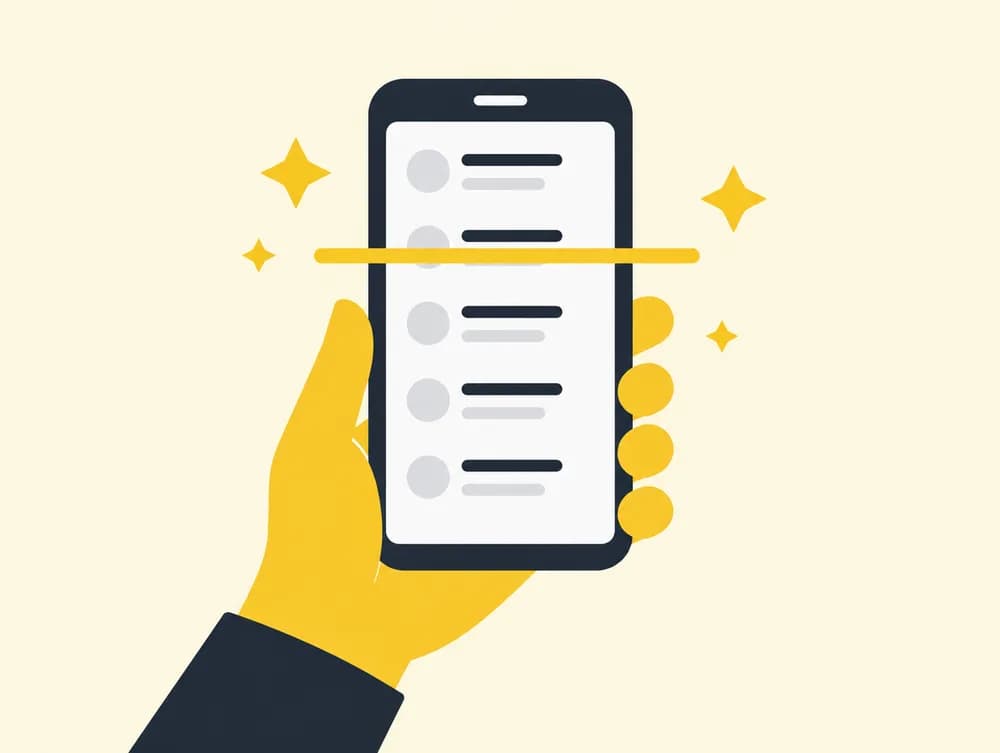
Screenshot your phone's subscription list or your bank app, and we read every subscription from it.

Try it →

Paste a receipt or statement

Paste a receipt email or bank statement, or just type “netflix 17.99”. We turn it into a list.

Try it →

How it works

Three steps to stop wasting money

  1. 1

    Add

    Tap, screenshot, or paste. Your subscriptions show up instantly.

  2. 2

    Get reminded

    We'll give you a heads-up before each renewal and free trial, by email or notification.

  3. 3

    Save

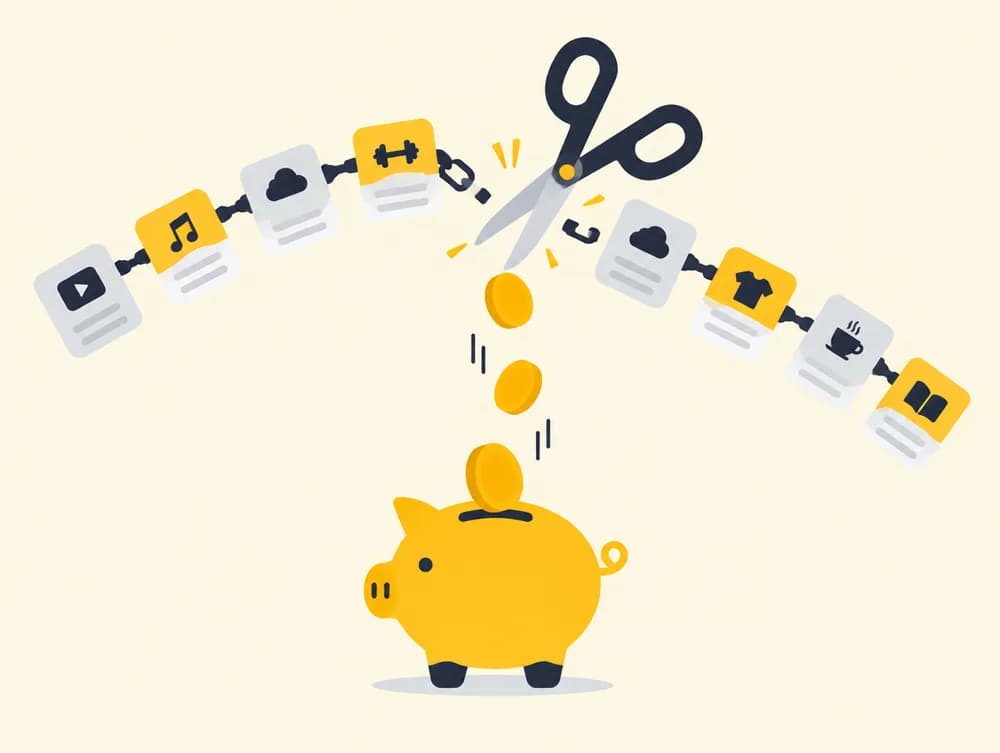
    Cancel what you don't use with one tap and keep the money.

Add in seconds

One screenshot. Every subscription.

Screenshot the subscriptions page on your iPhone or Android, or your bank app, and SubZero reads every subscription from it automatically. Or tap them from a list of popular apps, or paste a receipt.

  • ✓Works with App Store, Google Play and bank apps
  • ✓You review everything before it's saved
  • ✓Popular apps come with prices filled in

Never get surprised

A heads-up before every charge

Pick 1, 3 or 7 days' notice and we'll remind you by email or a notification on your phone before anything renews.

  • ✓Email and push notifications
  • ✓Free-trial warnings before they turn paid
  • ✓One reminder per charge, no spam

Keep your money

Cancel what you don't use in one tap

Every subscription links straight to its cancel page, so you're not stuck digging through settings. Most people find at least one they forgot about.

  • ✓Direct links to cancel pages
  • ✓See your true monthly and yearly total
  • ✓What's due this week, at a glance

Private by design

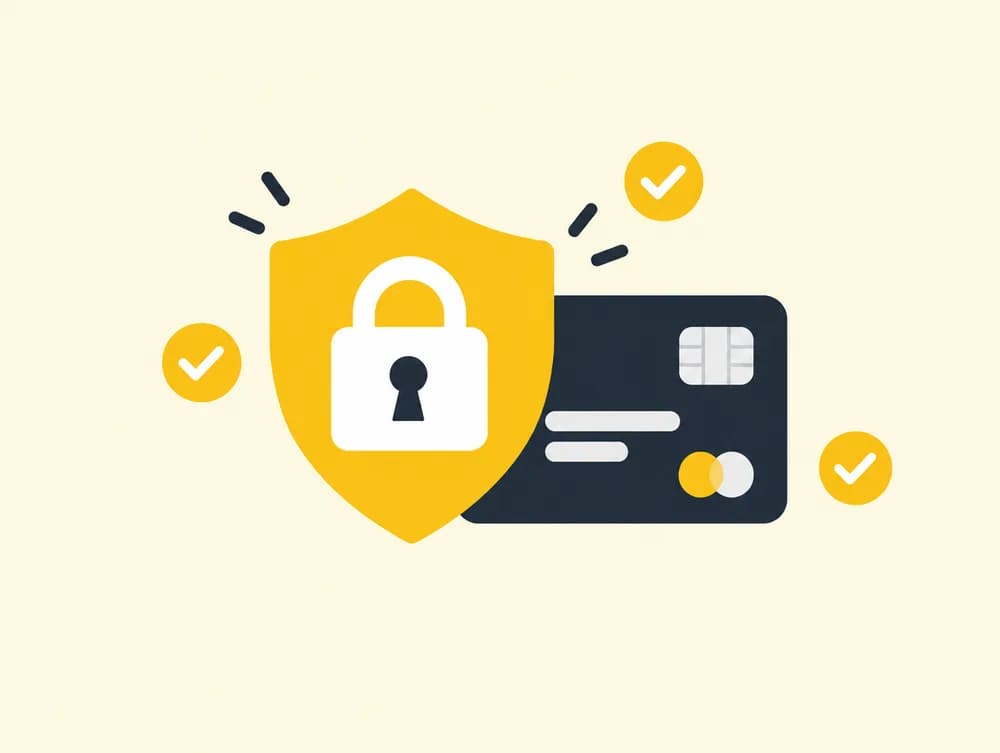
No bank login. Ever.

Other apps want your bank password. SubZero doesn't. You choose exactly what goes in your list, and you can delete it anytime.

  • ✓Never asks for card or bank details
  • ✓We don't sell your data
  • ✓No signup needed to start

FAQ

Questions

Do I need to connect my bank or card?+

No. SubZero never asks for your bank login or card number. You add subscriptions by tapping them, uploading a screenshot, or pasting text.

Is it free?+

Yes. Tracking, scanning and reminders are free. Pro ($6.99/month) and Ultra ($19.99/month, with AI features) are coming later, and the free features will stay free.

Do I need an account?+

No, you can start right away. Sign in with just your email (no password) when you want email reminders or to see your list on another device.

How do reminders work?+

Choose 1, 3 or 7 days' notice. Before each subscription renews or a free trial ends, we send you an email, a notification on your phone or computer, or both.

What happens to my screenshot?+

It's sent to our AI provider to read the subscriptions, and then it's discarded. We only save the subscriptions you confirm. See the Privacy Policy for details.

See all questions →

Find out what you're really paying for

It takes about 30 seconds and costs nothing.

Add my subscriptions